
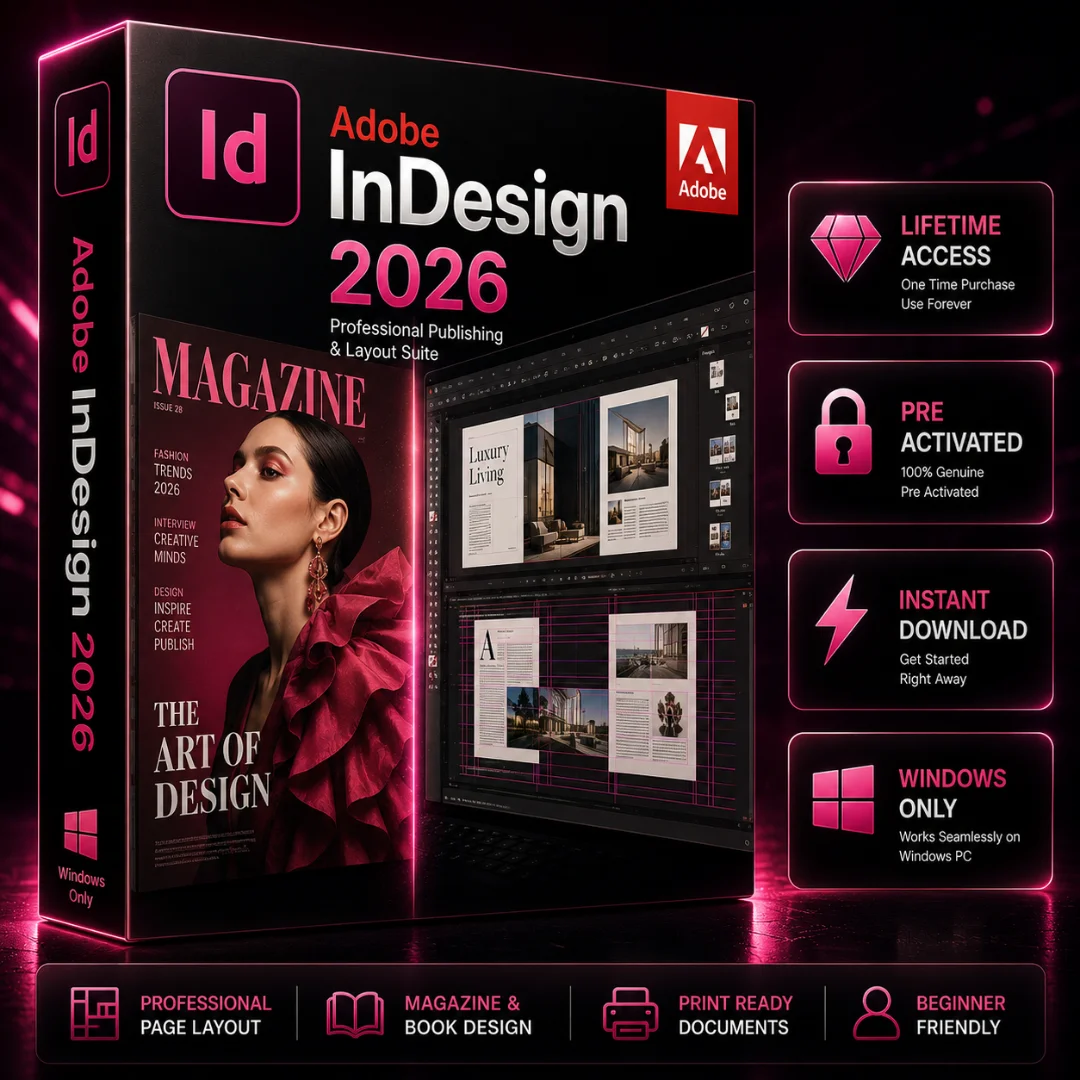


Adobe InDesign for Windows 2026 – Lifetime Activation
Original price was: $69.99.$29.99Current price is: $29.99.
Adobe InDesign for Windows 2026 is professional desktop publishing and page layout software for designers, publishers, marketers, businesses, and creative professionals. Create polished brochures, magazines, flyers, catalogs, reports, newsletters, presentations, and other professional publications with powerful layout, typography, and document design tools. Get Lifetime Activation, instant digital delivery, and convenient access to your purchase through Softlisto.
- Lifetime Activation
- Instant Digital Download
- For Windows 10 & 11
- Professional Page Layout & Publishing Tools
- Advanced Typography & Document Design
- Easy Installation
Adobe InDesign for Windows 2026
Adobe InDesign for Windows is professional desktop publishing and page layout software designed for graphic designers, publishers, marketers, businesses, and creative professionals. Create polished brochures, magazines, flyers, catalogs, reports, newsletters, presentations, and other professional publications with powerful layout, typography, and document design tools.
With Adobe InDesign 2026, you can combine text, images, graphics, and structured layouts to create professional-quality documents for print and digital publishing. This product is designed for compatible Windows PCs and is suitable for both individual creative projects and professional publishing workflows.
Professional Page Layout and Publishing
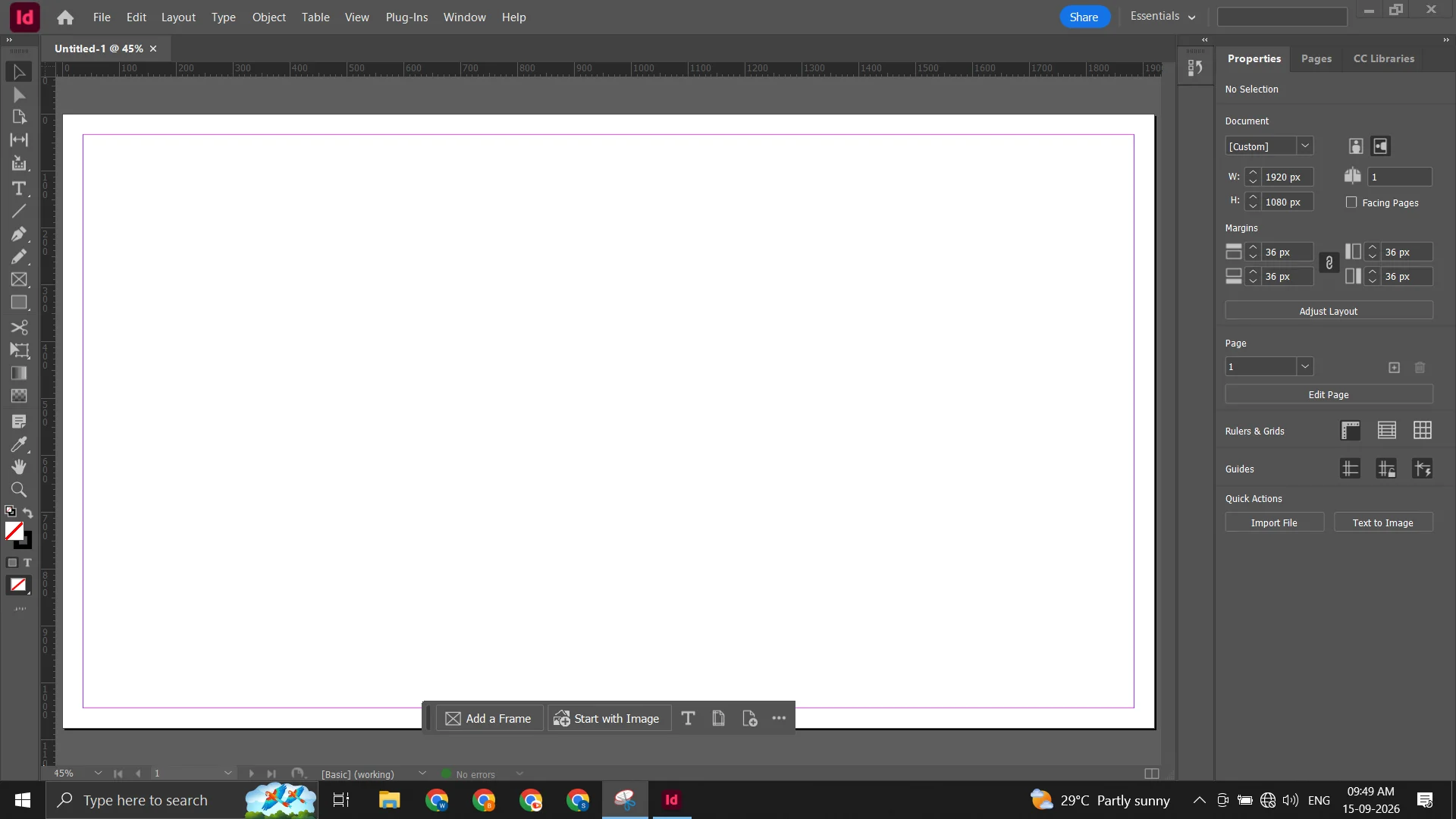
Adobe InDesign provides precise control over page composition, typography, spacing, alignment, columns, and document structure. Its flexible layout environment makes it easier to create consistent designs across multiple pages while maintaining a professional appearance.
Whether you are designing a business brochure, magazine, product catalog, annual report, newsletter, or marketing publication, Adobe InDesign for Windows gives you the tools needed to organize content and produce polished layouts.
Powerful Typography and Design Tools
Typography is a major part of professional publishing. InDesign provides detailed controls for text frames, fonts, paragraphs, character formatting, styles, columns, spacing, and alignment.
You can combine text with images and graphical elements to create visually structured publications while maintaining consistent formatting throughout your document.
Create Professional Publications
Use Adobe InDesign to create a wide range of professional materials, including:
- Brochures and flyers
- Magazines and newsletters
- Product catalogs
- Business reports
- Marketing materials
- Presentations and documents
- Digital publications
- Multi-page layouts
- Print-ready designs
Its flexible page-layout workflow makes InDesign suitable for designers, publishers, marketing professionals, businesses, and independent creators.
Adobe InDesign for Windows PC
Adobe InDesign for Windows provides a desktop environment for professional publishing and layout workflows. Before purchasing, make sure your Windows PC meets the applicable operating system, processor, memory, storage, and graphics requirements.
For a broader creative workflow, you can also explore related Adobe software available through Softlisto. Use Adobe Photoshop for professional image editing and visual design, Adobe Illustrator for vector graphics and illustrations, Adobe Premiere Pro for video editing, and Adobe After Effects for motion graphics and visual effects.
Lifetime Activation and Instant Digital Delivery
This Softlisto product includes Lifetime Activation as specified on the product listing. After completing your purchase and making a successful payment, you will be redirected to the Thank You Page, where available download information and order details are provided.
Your purchase information is also sent to the email address provided during checkout. You can additionally access your order information through your Softlisto My Account.
Because the software is delivered digitally, there is no physical shipping or waiting for a package to arrive.
How to Download and Install Adobe InDesign
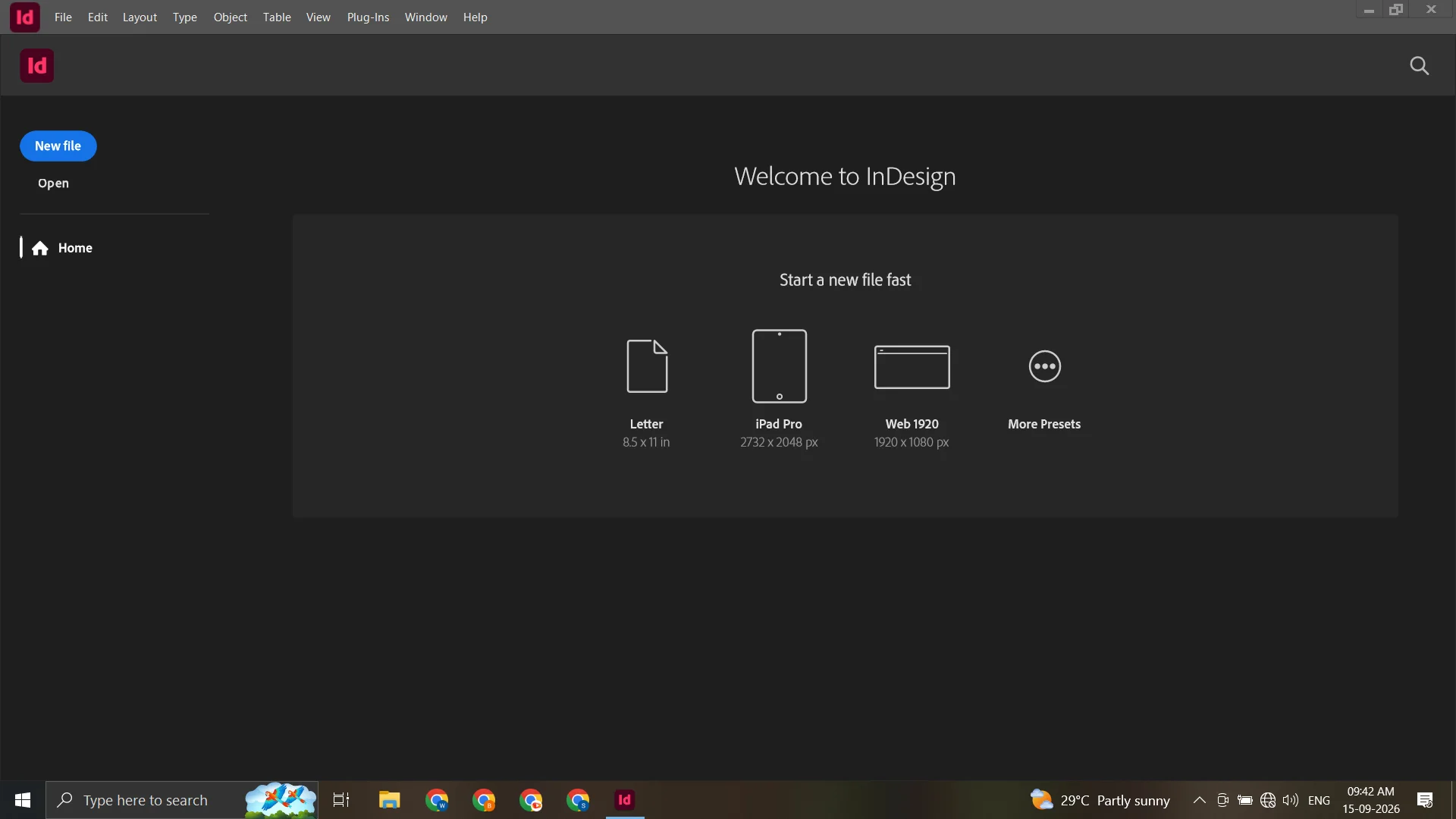
Getting started with Adobe InDesign for Windows is straightforward:
- Add the product to your shopping cart.
- Complete checkout and payment.
- After successful payment, you will be redirected to the Thank You Page.
- Access the available download information.
- Check your email for your order details.
- Access your purchase through Softlisto My Account.
- Follow the provided installation and activation instructions.
If you need assistance with the applicable installation or activation process, contact Softlisto customer support.
System Requirements
Minimum Requirements:
- Compatible Windows 10 64-bit or Windows 11 system
- Compatible Intel or AMD processor
- At least 8 GB RAM
- Available storage space for installation and projects
- Compatible graphics hardware
- Internet connection for activation and applicable online features
Recommended Requirements:
- 16 GB RAM or more
- Fast SSD storage
- Modern multi-core Intel or AMD processor
- Compatible dedicated graphics hardware
- Additional storage for larger publishing projects
Actual requirements may vary depending on the software version, project complexity, and workflow. Check your system compatibility before purchasing.
Build a Complete Creative Workflow
Adobe InDesign works especially well as part of a broader creative workflow. For example, you can prepare and edit images in Adobe Photoshop, create scalable vector artwork in Adobe Illustrator, build page layouts in Adobe InDesign, and then use Adobe Premiere Pro or Adobe After Effects for video and motion-based content.
This combination can be useful for creative professionals and businesses working across branding, marketing, publishing, social media, and digital content.
Frequently Asked Questions
What is Adobe InDesign used for?
Adobe InDesign is professional page layout and desktop publishing software used to create brochures, magazines, catalogs, reports, newsletters, flyers, presentations, and other print or digital publications.
Is Adobe InDesign available for Windows?
Yes. This Softlisto product is intended for compatible Windows PCs.
Can I use Adobe InDesign on a PC?
Yes. Adobe InDesign for Windows is designed for compatible Windows computers.
Does this product include Lifetime Activation?
Yes. This product is listed with Lifetime Activation.
How will I receive Adobe InDesign after purchase?
After successful payment, available download information is provided on the Thank You Page. Order information is also sent by email and made available through your Softlisto account.
Can I access my order later?
Yes. Your purchase information can be accessed through the Softlisto My Account area.
Do I need help with installation or activation?
If you need assistance, Softlisto customer support can help with the applicable installation and activation process.
What should I check before buying?
Make sure your Windows PC meets the applicable system requirements and that the product is compatible with your intended workflow.
Why purchase Adobe InDesign from Softlisto?
Softlisto provides digital software delivery, convenient order access, customer support, and a straightforward software purchasing experience.


Daniel Carter –
Honestly, the whole process was easier than I expected. Downloaded InDesign, followed the steps, and got it running on my Windows PC pretty quickly.
Oliver Harris –
No issues on my end. Checkout was simple, the instructions made sense, and InDesign installed without any trouble.
Noah Anderson –
Pretty happy with how easy everything was. Got the download after payment and had InDesign set up the same day.
Jack Thompson –
Took me a little while to get everything set up, but the instructions were clear and I had no problems once I followed them.
Michael Brooks –
Nice and simple. I wasn’t sure what to expect, but the download and installation were both pretty straightforward.
Harry Wilson –
Bought it for my Windows PC and everything went smoothly. The setup was easier than I thought it would be.
Liam Campbell –
So far, everything is working as expected. Download was easy and I didn’t run into any issues during installation.
Liam Cooper –
Pretty smooth experience overall. Payment went through, download was easy to find, and InDesign installed fine.
Thomas Parker –
Really straightforward purchase. I had access to the download after checkout and the installation went smoothly.