
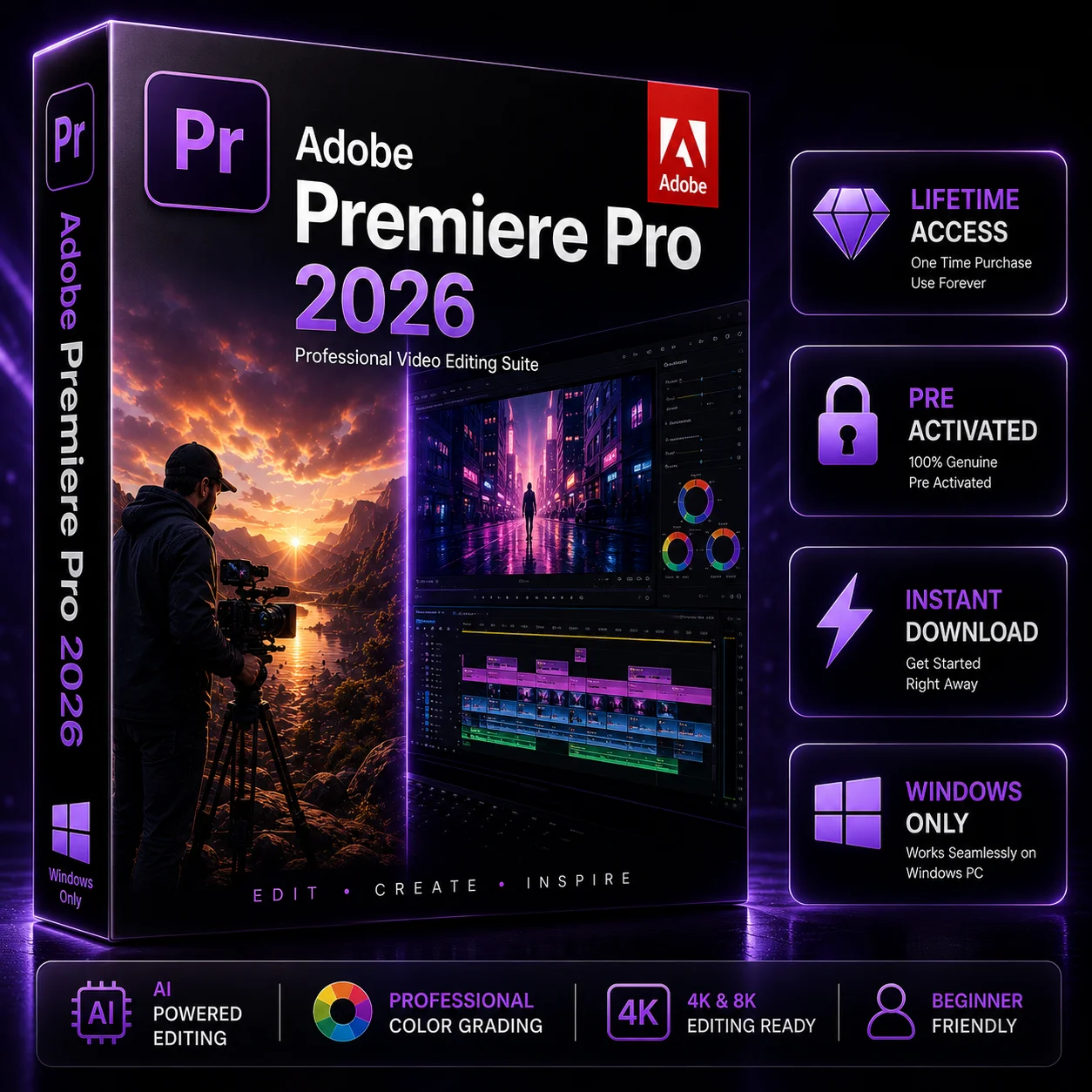

Adobe Premiere Pro for Windows 2026 – Lifetime Activation
Original price was: $59.99.$39.99Current price is: $39.99.
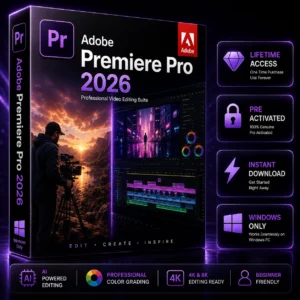
Get Adobe Premiere Pro for Windows 2026 and create professional-quality videos with powerful editing, audio, color correction, effects, transitions, and graphics tools. Designed for video editors, YouTubers, filmmakers, content creators, freelancers, and creative professionals.
Key Benefits:
- ✓ Lifetime Activation
- ✓ Instant Digital Download
- ✓ For Windows 10 & 11
- ✓ Professional Video Editing Tools
- ✓ Advanced Color, Audio & Effects
- ✓ Easy Installation & Activation
Adobe Premiere Pro for Windows 2026 – Lifetime Activation
Create professional-quality videos with Adobe Premiere Pro for Windows 2026, a powerful editing solution for video editors, YouTubers, filmmakers, content creators, freelancers, and businesses. Whether you’re creating social media videos, YouTube content, promotional videos, tutorials, or client projects, this professional editing software provides the tools you need to turn your footage into polished and engaging content.
With advanced editing, audio, color correction, effects, transitions, titles, and graphics tools, Adobe Premiere Pro for Windows gives you a flexible workspace for managing your complete video editing workflow.
Professional Video Editing for Windows
Adobe Premiere Pro for Windows is designed for users who want more control over their video projects. Its timeline-based workflow lets you organize footage, trim clips, arrange scenes, work with multiple video and audio tracks, and make precise edits.
You can also enhance your projects with color correction, audio adjustments, visual effects, transitions, titles, and graphics. From short social media content to detailed creative productions, Premiere Pro provides a professional environment for different editing needs.
Key Features
- Professional timeline-based video editing
- Advanced color correction and grading tools
- Audio editing and mixing capabilities
- Creative effects and transitions
- Titles, text, and graphics tools
- Flexible workflow for different video projects
- Designed for compatible Windows PCs
Who Is It For?
Adobe Premiere Pro for Windows is suitable for YouTubers, video editors, filmmakers, content creators, freelancers, businesses, marketing teams, agencies, and creative professionals.
It can be used to create YouTube videos, social media content, advertisements, tutorials, promotional videos, business content, short films, and client projects.
Lifetime Activation & Digital Delivery
This product is offered with Lifetime Activation according to the applicable product and activation terms. Please review the product information before purchasing to understand the license, activation method, supported platform, and other applicable conditions.
As a digital product, there is no physical shipping involved. Your product is delivered electronically after your order has been successfully processed.
How to Order & Receive Your Product
Getting Adobe Premiere Pro for Windows through Softlisto is simple:
1. Add to Cart
Select the product and add it to your shopping cart.
2. Complete Checkout
Enter your required order details and the email address you want to use for delivery.
3. Complete Payment
Once your payment is successfully processed, your order will be confirmed.
4. Thank You Page
After successful payment, you will be redirected to the Thank You page, where your available download link and order information will be displayed.
5. Email Delivery
Your product delivery information will also be sent to the email address used during checkout.
6. Softlisto My Account
You can also access your order and available download information through your Softlisto My Account.
This gives you convenient access to your purchase through the Thank You page, email, and your Softlisto account.
Installation & Activation
After receiving your product, download the available software or follow the provided installation instructions on your compatible Windows PC. Follow the supplied activation instructions to complete the setup.
If you experience an issue with your order, delivery, installation, or activation, Softlisto Customer Support can assist you.
System Requirements
Before purchasing Adobe Premiere Pro for Windows, make sure your computer meets the applicable requirements.
Minimum Requirements:
- Windows 10 64-bit or Windows 11
- Compatible Intel or AMD processor
- At least 8 GB RAM
- Compatible graphics hardware
- Available storage space for installation
- Internet connection for activation and certain online features
Recommended:
- 16 GB RAM or more for HD workflows
- 32 GB or more for demanding 4K workflows
- Fast SSD storage
- Compatible dedicated GPU
- Modern multi-core Intel or AMD processor
Requirements may vary depending on software version, project resolution, and workflow. Please verify compatibility before purchase.
Explore More Adobe Software
If you’re building a complete creative workflow, you can also explore related Adobe products available through Softlisto, including Adobe Photoshop for image editing, Adobe InDesign for professional page layout and publishing, Adobe Illustrator for vector graphics and design, and Adobe Acrobat Pro for PDF creation and management.
These products can complement your workflow across video, photography, graphic design, publishing, and document management.
Frequently Asked Questions
Is Adobe Premiere Pro for Windows?
Yes. This product is intended for compatible Windows PCs. Please review the system requirements before purchasing.
How will I receive the product after payment?
After successful payment, you will be redirected to the Thank You page, where the available download link will be provided. Delivery information will also be sent to your checkout email and made available through your Softlisto account.
Does this product include Lifetime Activation?
Yes, this product is offered with Lifetime Activation according to the stated product terms.
Can I use it on Windows 11?
The software is intended for compatible Windows 11 systems, subject to the applicable system requirements.
What if I need help with installation or activation?
You can contact Softlisto Customer Support if you experience an issue with your order, download, installation, or activation.
Get Adobe Premiere Pro for Windows
If you’re looking for Adobe Premiere Pro for Windows with professional editing capabilities and convenient digital delivery, this product is designed to help you create high-quality video content.
Review the product version, system requirements, compatibility, activation, and delivery information before purchasing. After successful payment, access your digital product through the Thank You page, email, or Softlisto My Account and get started with your video editing workflow.

Jake Wilson –
Pretty easy process. I downloaded Premiere Pro and got it set up on my Windows PC without any issues.
Ryan Miller –
Everything went smoothly. Checkout was quick and the download instructions were easy to follow.
Alex Carter –
So far, so good. The whole process was simple and Premiere Pro is running fine on my PC.
Brandon Smith –
Easy to order and the instructions were clear. Installation was pretty straightforward.
Tyler Johnson –
No complaints here. Payment went through quickly and I was able to access the download right away.
Chris Anderson –
Simple process from start to finish. Got Premiere Pro installed on Windows without much hassle.
Kevin Davis –
Everything was clearly explained. Downloaded the software and had it running pretty quickly.
Justin Taylor –
Good experience overall. The download steps were easy to understand and installation went smoothly.
Ethan Brown –
Really straightforward purchase. I didn’t have any trouble with the download or setup.
Matthew Clark –
Quick checkout and easy access to the software after payment. Pretty happy with the experience.
Daniel Moore –
The instructions were simple and easy to follow. Premiere Pro installed fine on my Windows computer.
Jason Williams –
Everything went as expected. The ordering process was simple and the download was easy to find.
Andrew Thompson –
Nice and simple process. I was able to get Premiere Pro installed without any problems.
Nathan Walker –
Fast and convenient. The product information was clear and the download process was straightforward.
Dylan Harris –
Had a pretty smooth experience. No confusing steps during checkout or installation.
Eric Martin –
Worked out great for me. Downloaded Premiere Pro and got everything set up on my PC without issues.
Josh Mitchell –
Easy purchase and clear instructions. The whole process took less time than I expected.
Cameron Lewis –
Simple checkout and installation. Everything was easy to understand from the beginning.