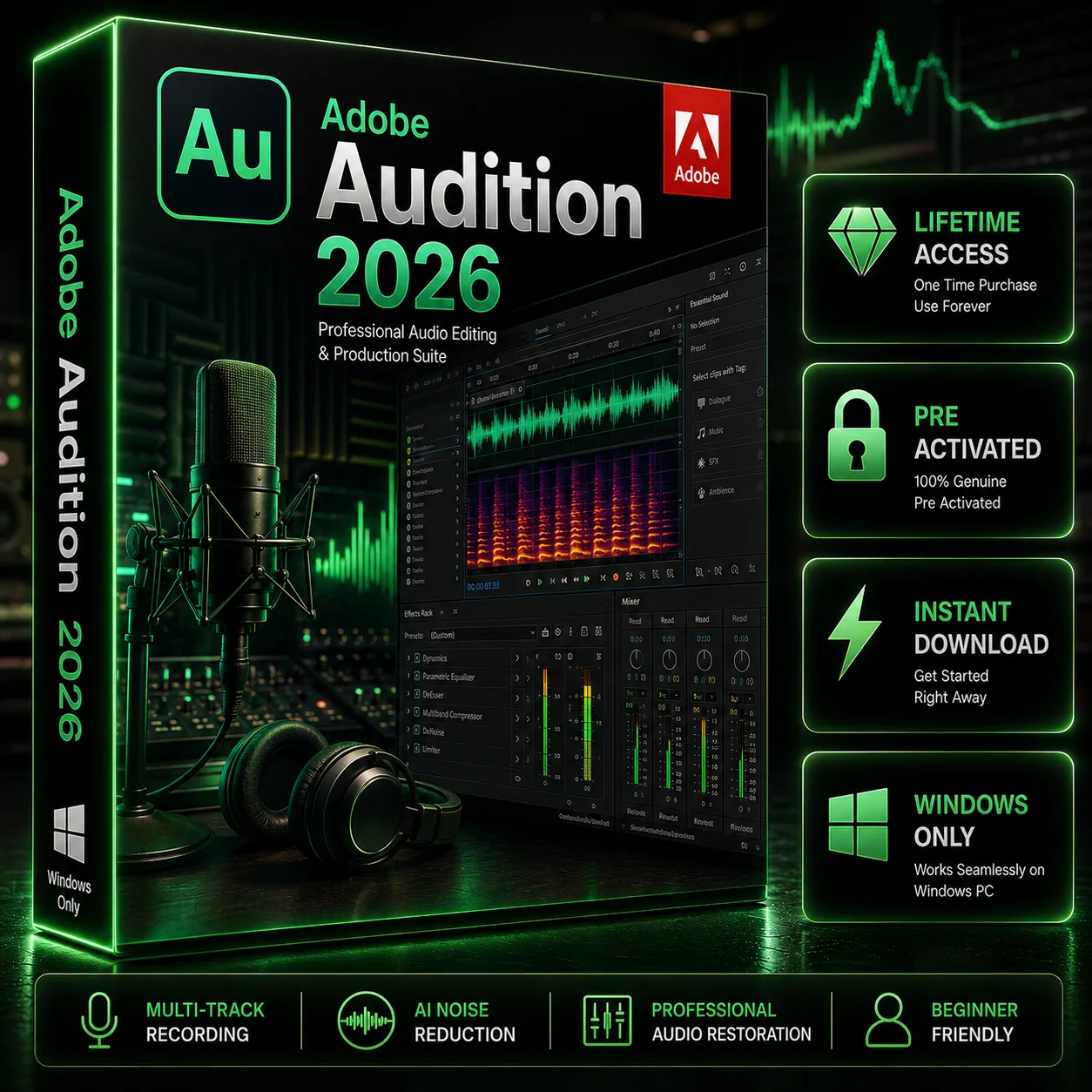
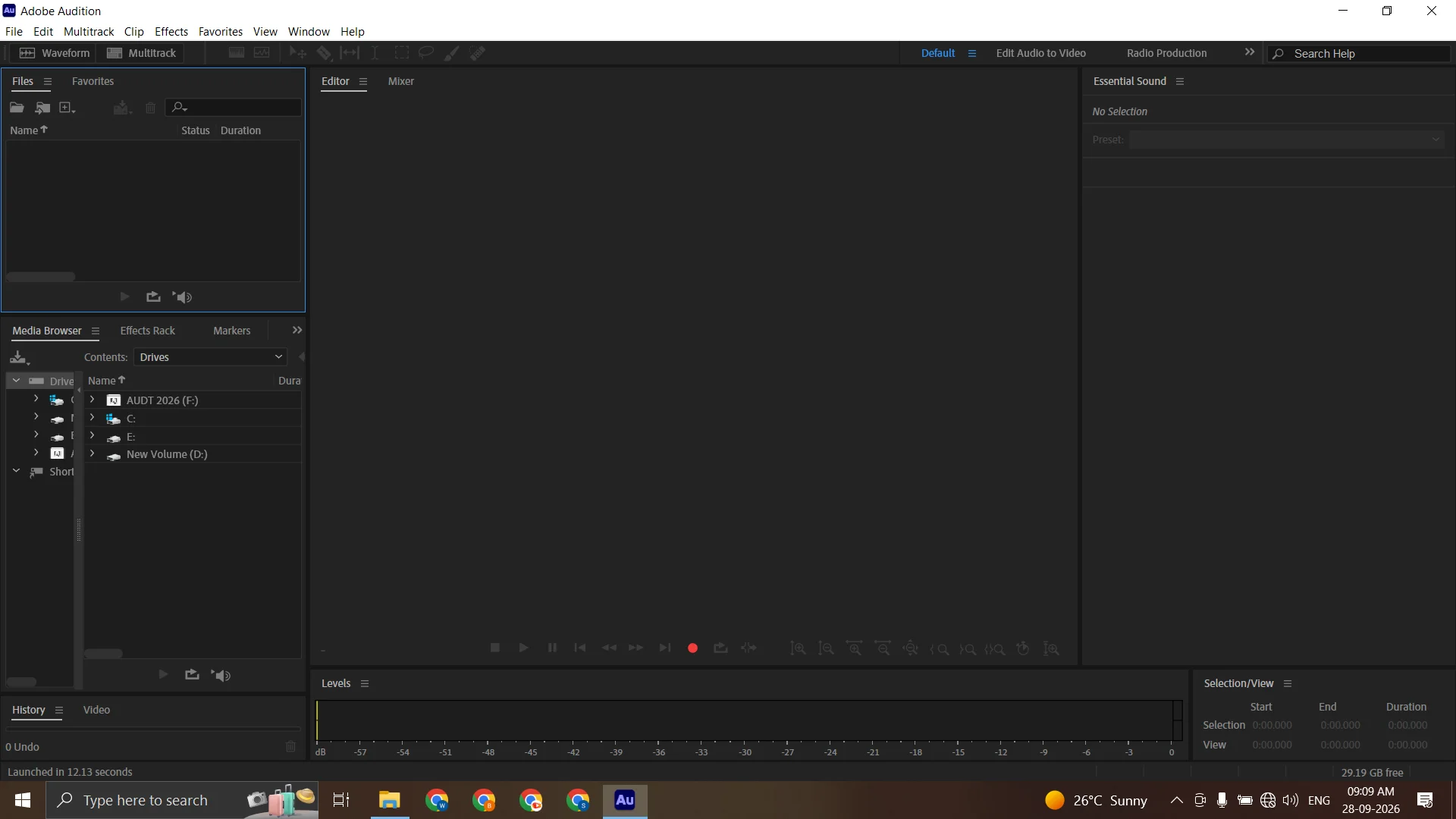

Adobe Audition for Windows 2026 – Lifetime Activation
Original price was: $89.99.$29.99Current price is: $29.99.
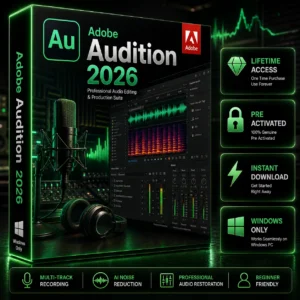
Adobe Audition for Windows 2026 is professional audio editing and recording software for musicians, podcasters, video creators, sound designers, voice-over artists, and creative professionals. Record, edit, clean, mix, restore, and enhance audio with powerful tools designed for professional audio production workflows. Get Lifetime Activation, instant digital delivery, and convenient access to your purchase through Softlisto.
- Lifetime Activation
- Instant Digital Download
- For Windows 10 & 11
- Professional Audio Recording & Editing
- Advanced Mixing, Restoration & Sound Processing
- Easy Installation & Activation
Adobe Audition for Windows 2026
Adobe Audition is professional audio editing and recording software designed for musicians, podcasters, video creators, voice-over artists, sound designers, and other creative professionals. It provides a powerful environment for recording, editing, mixing, restoring, and enhancing audio for a wide range of creative projects.
With Adobe Audition for Windows, you can work with audio recordings, voice tracks, music, podcasts, video soundtracks, and other audio projects from a compatible Windows PC. Its professional tools make it suitable for both individual creators and demanding creative workflows.
Professional Audio Editing Software
Adobe Audition provides a comprehensive environment for editing and managing audio. You can trim and arrange recordings, remove unwanted sections, adjust levels, refine sound, and prepare audio for different types of projects.
Whether you are producing a podcast, editing dialogue, creating music, preparing voice-over recordings, or improving audio for video, Adobe Audition software provides tools designed for professional audio workflows.
Audio Recording, Editing and Mixing
Use Adobe Audition to record and edit audio while maintaining control over your project. Its editing and mixing capabilities allow you to work with multiple audio elements and organize them into a polished final production.
You can use the software for:
- Voice-over recording
- Podcast production
- Music editing
- Dialogue editing
- Sound design
- Audio cleanup
- Video soundtrack editing
- Multi-track audio projects
- Audio restoration and enhancement
This makes Adobe Audition useful as an audio editor for creators who need more control than basic audio editing applications provide.
Powerful Sound Processing and Restoration
Professional audio projects often require more than simple trimming and volume adjustments. Adobe Audition includes tools designed to help users refine recordings, correct unwanted audio issues, and improve overall sound quality.
You can work with recorded speech, music, sound effects, and other audio files while applying appropriate editing and processing techniques to create cleaner and more polished results.
Podcast and Music Editing
If you create podcasts, interviews, voice content, or music projects, Adobe Audition can provide a dedicated environment for audio production.
Use it to organize recordings, edit spoken content, work with multiple tracks, adjust audio levels, and prepare finished files for publishing or further production.
For video creators, Adobe Audition can also complement video editing workflows. You can pair it with Adobe Premiere Pro when working on professional video projects that require detailed audio editing.
Adobe Audition for Windows PC
This product is intended for compatible Windows computers and provides a desktop environment for professional audio recording and editing.
Before purchasing, make sure your Windows PC meets the applicable processor, memory, storage, operating system, and graphics requirements.
For a broader creative workflow, Softlisto also offers related Adobe products. Adobe Premiere Pro can be used for professional video editing, Adobe After Effects for motion graphics and visual effects, Adobe Photoshop for image editing, and Adobe Illustrator for vector graphics and design.
Lifetime Activation and Instant Digital Delivery
This Softlisto product includes Lifetime Activation as specified on the product listing. After completing your order and making a successful payment, you will be redirected to the Thank You Page, where available download information and order details are provided.
Your purchase information is also sent to the email address provided during checkout. You can additionally access your order through your Softlisto My Account.
Because the product is delivered digitally, there is no physical shipping or waiting for a package to arrive.
How to Download and Install Adobe Audition
Getting started is straightforward:
- Add Adobe Audition to your cart.
- Complete checkout and payment.
- After successful payment, you will be redirected to the Thank You Page.
- Access the available download information.
- Check your email for your order details.
- Access your purchase through Softlisto My Account.
- Follow the provided installation and activation instructions.
If you need assistance with the applicable installation or activation process, contact Softlisto customer support.
System Requirements
Minimum Requirements:
- Compatible Windows 10 64-bit or Windows 11 system
- Compatible Intel or AMD processor
- At least 8 GB RAM
- Available storage space for installation and audio projects
- Compatible graphics hardware
- Internet connection for activation and applicable online features
Recommended Requirements:
- 16 GB RAM or more
- Modern multi-core Intel or AMD processor
- Fast SSD storage
- Compatible dedicated graphics hardware
- Additional storage for larger audio projects
Actual requirements may vary depending on the software version, project complexity, audio files, plugins, and workflow. Check your system compatibility before purchasing.
Build a Complete Creative Workflow
Adobe Audition can be part of a broader creative production workflow. For video projects, you can combine it with Adobe Premiere Pro for video editing and detailed audio work. For motion graphics and visual effects, Adobe After Effects can complement your production workflow.
For visual content, Adobe Photoshop provides professional image editing tools, while Adobe Illustrator can be used to create scalable vector graphics, illustrations, and branding assets.
Using complementary creative applications can help creators manage audio, video, graphics, and visual production from a connected workflow.
Frequently Asked Questions
What is Adobe Audition used for?
Adobe Audition is professional audio recording, editing, mixing, restoration, and sound-processing software. It can be used for podcasts, music, voice-over, dialogue, sound design, and video audio projects.
Is Adobe Audition available for Windows?
Yes. This product is intended for compatible Windows PCs.
Can I use Adobe Audition for podcast editing?
Yes. Adobe Audition provides tools suitable for recording, editing, mixing, and preparing podcast audio.
Can Adobe Audition edit music?
Yes. Adobe Audition can be used for music editing, multi-track projects, audio processing, and other music-production workflows.
Does this product include Lifetime Activation?
Yes. This Softlisto product is listed with Lifetime Activation.
How will I receive Adobe Audition after purchase?
After successful payment, available download information is provided on the Thank You Page. Order information is also sent by email and made available through your Softlisto account.
Can I access my order later?
Yes. You can access your purchase information through the Softlisto My Account area.
Do I need help with installation or activation?
If you need assistance, Softlisto customer support can help with the applicable installation and activation process.
What should I check before purchasing?
Make sure your Windows PC meets the applicable system requirements and that the product is suitable for your intended audio workflow.
Why purchase Adobe Audition from Softlisto?
Softlisto provides digital software delivery, convenient order access, customer support, and a straightforward software purchasing experience.

Michael Carter –
The purchase process was really simple. I got access to the download after payment and had Audition set up on my Windows PC pretty quickly.
Oliver Harris –
I mainly bought it for podcast editing. Setup was straightforward and the software is running smoothly on my PC.
Noah Anderson –
I needed it for audio cleanup and voice editing, and the whole download and installation process was pretty easy.
Jack Thompson –
Good experience overall. The instructions were clear and I didn’t have much trouble getting Audition installed.
Ryan Miller –
Picked this up for voice-over work. Checkout was quick and getting the software after payment was pretty straightforward.
James Morgan –
Pretty smooth experience from start to finish. Download was easy and I was able to start working on my audio without any issues.
Ethan Martin –
I’m using it mainly for podcasts and basic audio editing. Everything went smoothly from purchase through installation.