

Adobe Character Animator for Windows (2026) – Lifetime Activation
Original price was: $49.99.$29.99Current price is: $29.99.
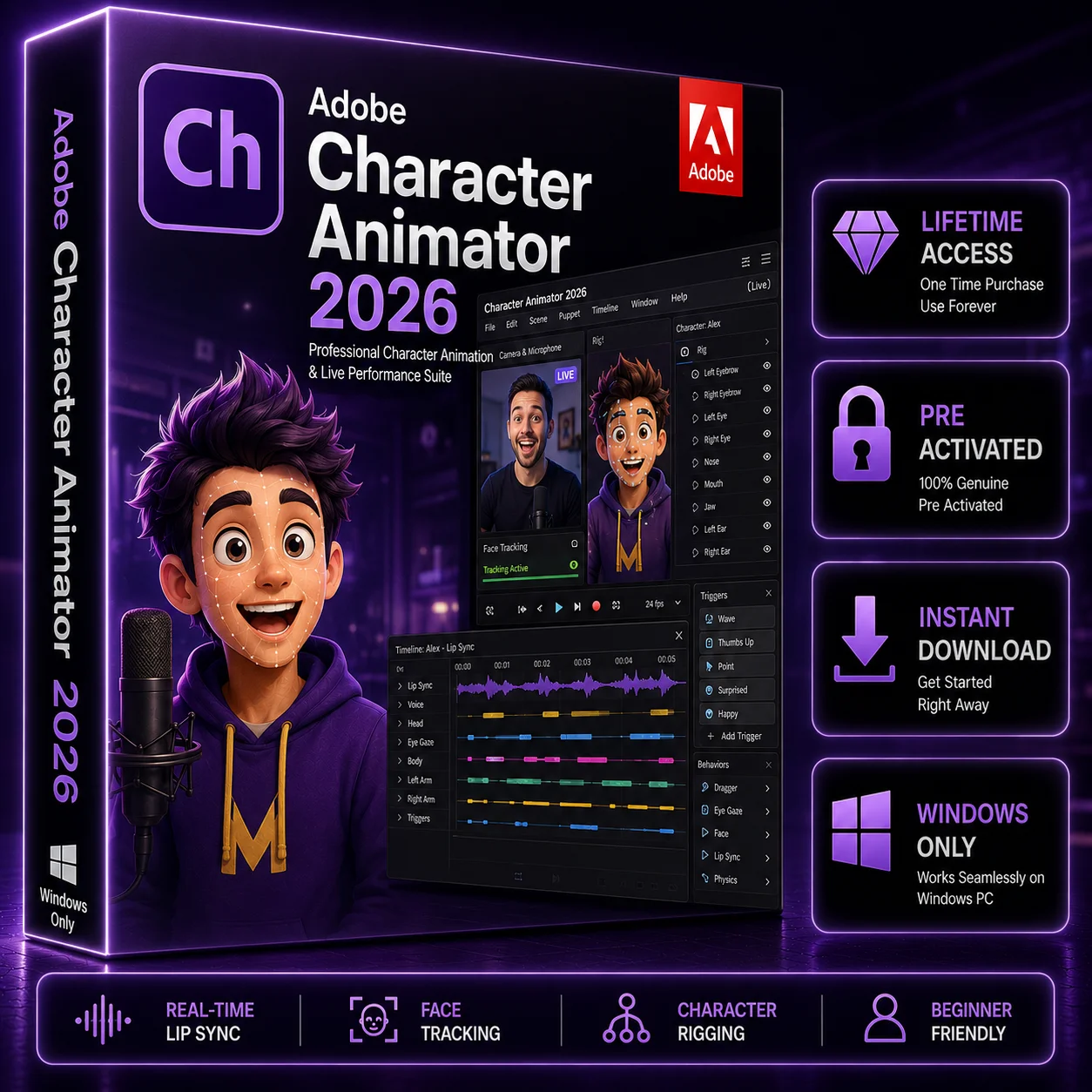
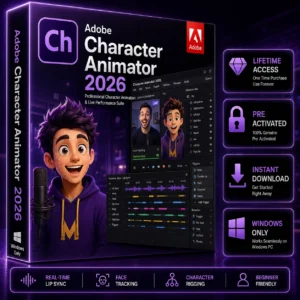
Adobe Character Animator 2026 for Windows is professional 2D character animation software for animators, content creators, YouTubers, video editors, and creative professionals. Create expressive animated characters with real-time facial tracking, lip-sync, character puppets, motion controls, and powerful animation tools. Get Lifetime Activation, instant digital delivery, and convenient access to your purchase through Softlisto.
- Lifetime Activation
- Instant Digital Download
- For Windows 10 & Windows 11
- Professional 2D Character Animation
- Facial Tracking, Lip-Sync & Character Puppets
- Easy Installation
Adobe Character Animator 2026 for Windows – Lifetime Activation
Bring your characters to life with Adobe Character Animator 2026 for Windows, a professional solution for creating expressive 2D character animations and engaging animated content. Designed for animators, YouTubers, video editors, filmmakers, educators, content creators, and creative professionals, Character Animator combines character puppets, facial tracking, lip-sync, motion controls, and real-time performance tools in one creative workflow.
With Lifetime Activation, you can get long-term access to the purchased software without relying on a recurring subscription for the activation provided with your purchase.
Professional 2D Character Animation
Adobe Character Animator makes it easier to turn character artwork into animated performances. Instead of manually creating every movement frame by frame, you can use facial expressions, voice, and motion to control your characters and create more natural performances.
Whether you are producing YouTube videos, educational content, social media animations, presentations, or creative projects, Character Animator provides flexible tools for building engaging 2D character experiences.
Key Features
Real-Time Character Animation
Create dynamic character performances by combining movement, expressions, voice, and character artwork. Real-time controls help streamline the animation workflow.
Facial Tracking
Use facial tracking to capture expressions and movements and apply them to your animated character. This can help create more natural and responsive character performances.
Lip-Sync Animation
Synchronize character mouth movements with spoken audio to create animated conversations, tutorials, storytelling content, and other projects involving dialogue.
Character Puppets
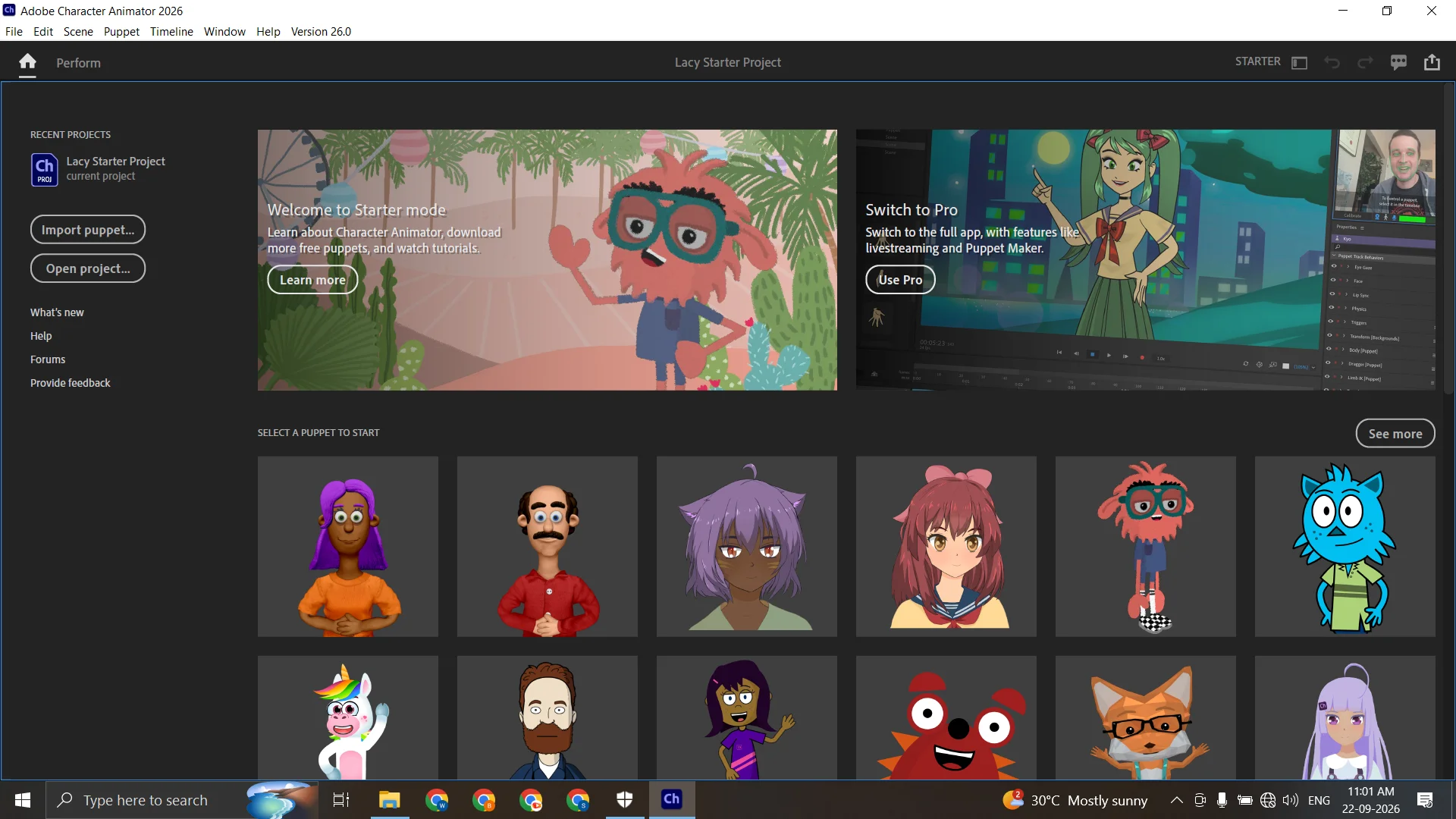
Create and work with Character Animator puppets to develop reusable animated characters. Puppet-based workflows make it easier to control different character elements and create consistent performances.
Motion Controls
Control character movements and expressions while developing your animation. These tools help creators produce engaging performances without manually animating every individual movement.
2D Character Animation
Create professional 2D character animation for videos, social media, educational content, presentations, entertainment, and creative projects.
Who Can Use Adobe Character Animator?
Adobe Character Animator for Windows is suitable for:
- Animators and digital artists
- YouTubers and content creators
- Video editors
- Motion graphics designers
- Filmmakers
- Educators
- Social media creators
- Freelancers
- Creative professionals
If your workflow involves animated characters, talking characters, facial expressions, or 2D animation, Character Animator can provide a flexible desktop environment for your projects.
Adobe Character Animator for Windows 10 & Windows 11
This product is intended for compatible Windows PCs, including supported Windows 10 64-bit and Windows 11 systems.
Before purchasing or installing, check the applicable system requirements and make sure your computer has sufficient processing power, memory, graphics capability, storage, camera, and microphone support for your intended workflow.
Lifetime Activation
This product includes Lifetime Activation as specified with the purchase. It is designed for customers who prefer a one-time purchase rather than a recurring subscription for the supplied activation.
Please review the product information and activation instructions before installation. If you need assistance with your order or activation, Softlisto customer support is available to help.
Adobe Character Animator Download & Instant Digital Delivery
Your purchase is delivered digitally, so there is no physical product to wait for.
The process is simple:
- Add Adobe Character Animator 2026 to your cart.
- Complete checkout and payment.
- After successful payment, you will be redirected to the Thank You Page.
- Your available download link and order information will be provided there.
- Purchase information will also be sent to your checkout email.
- You can access your order through your Softlisto My Account.
This provides convenient access to your software purchase and download information after payment.
Installation & Activation
After receiving your purchase, follow the provided installation and activation instructions for your Windows PC. Make sure your system meets the applicable requirements before beginning installation.
If you experience an issue with your download, installation, activation, or purchased product, contact Softlisto support for assistance.
System Requirements
Minimum Requirements
- Windows 10 64-bit or Windows 11
- Compatible Intel or AMD processor
- At least 8 GB RAM
- Compatible graphics hardware
- Sufficient available storage
- Internet connection for activation and applicable online features
- Compatible camera and microphone for relevant features
Recommended Requirements
- 16 GB RAM or more
- Modern multi-core Intel or AMD processor
- Compatible dedicated graphics processor
- Fast SSD storage
- Compatible HD camera
- Quality microphone
- Additional storage for project files and character assets
System requirements can vary according to software version, project complexity, hardware configuration, and workflow. Verify compatibility before purchasing.
Complete Your Creative Workflow With Adobe Software
Character animation is often part of a larger creative production workflow. Depending on your project, you can combine Character Animator with other professional Adobe applications available on Softlisto.
For advanced video editing, explore Adobe Premiere Pro to edit footage, assemble animated scenes, add transitions, refine audio, and create finished video projects.
For motion graphics and visual effects, Adobe After Effects can complement your animation workflow with advanced compositing, animation, visual effects, and motion graphics tools.
For creating and editing character artwork, graphics, and visual assets, Adobe Photoshop can be useful for preparing and refining creative assets before incorporating them into your animation workflow.
Using these applications together can help creators build a broader workflow from character artwork → character animation → motion graphics/video editing → final production.
Frequently Asked Questions
What is Adobe Character Animator?
Adobe Character Animator is professional software for creating animated 2D characters using character artwork, facial tracking, voice, lip-sync, motion controls, and other animation tools.
Is this Adobe Character Animator for Windows?
Yes. This product is intended for compatible Windows PCs running supported versions of Windows.
Does this product include Lifetime Activation?
Yes. This product is offered with Lifetime Activation as specified on the Softlisto product listing.
How will I receive my Adobe Character Animator download?
After successful payment, the available download link will be provided on the Softlisto Thank You Page. Your order information will also be available through your checkout email and Softlisto My Account.
Does Character Animator support puppets?
Yes. Character puppets are a core part of the Character Animator workflow and can be used to create reusable animated characters.
Can I create lip-sync animations?
Yes. Character Animator supports lip-sync workflows for creating animated characters that respond to spoken audio.
Can I use Character Animator with Premiere Pro and After Effects?
Character Animator can be part of a broader Adobe creative workflow. Adobe Premiere Pro can be used for video editing, while Adobe After Effects can complement projects requiring motion graphics and visual effects.
What if I have an installation or activation problem?
You can contact Softlisto customer support if you experience an issue with your order, download, installation, activation, or purchased product.



Reviews
There are no reviews yet.